7.6.2.12.5. What should be
considered 7.6.2.12.5.1. All blends,
whose edges meet, have to be made as one blend |  |
| Prev | Next |
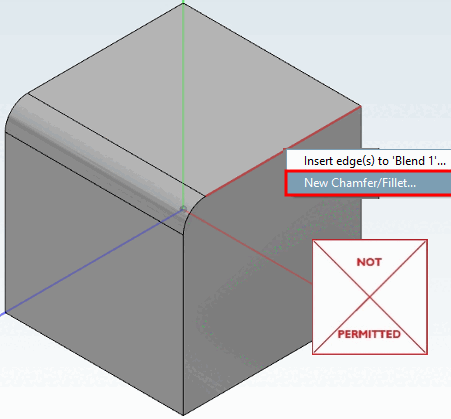
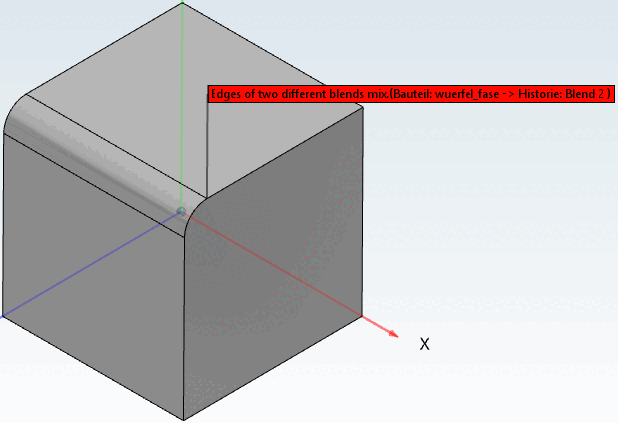
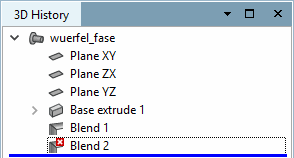
All chamfers or curves whose edges meet must be created in ONE blend feature. The command Create new chamfer/rounding [New Chamfer/Fillet...]... can therefore only be used initially. For further blends, the command Add edge(s) to 'Blend xy'... must be used, otherwise an error message will appear - even if the chamfers or curves have the same size (see the following illustrations).
It is recommended to do all blends, whose edges meet, in one step. Otherwise, the performance of the Blend Feature can be worse.