1.1.11. Links
Export to CSV file
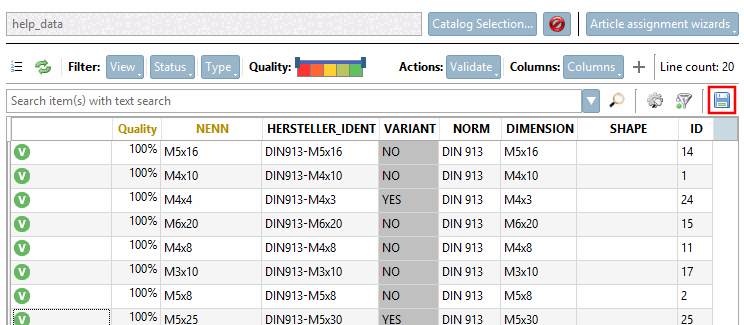
For export to a
CSV file, click the Export to CSV
 icon.
icon.
-> The
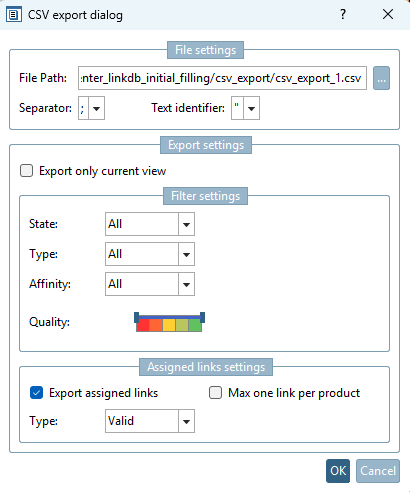
"CSV Export" dialog box opens.
A common
setting would be to enable " Export assigned links"
with Type = Valid. However, you can also export only the current
view or filter by status,
type, affinity, or quality
.