Measuring grid
 : See above.
 Catch everything [Zoom all] /
 Zoom on object [Zoom in on object]
Zoom to object [Zoom in on object] refers to the current selection.
Snap all [Zoom all] refers to everything, including dimensions. There is no difference for a selected single part without displayed dimensions.
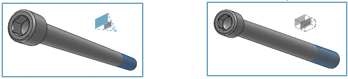
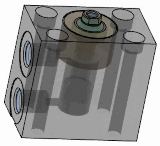
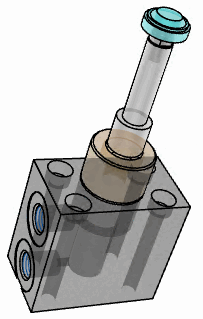
Section [Cut]
 : Click on the axis you want for the
Move the section.
: Click on the axis you want for the
Move the section.
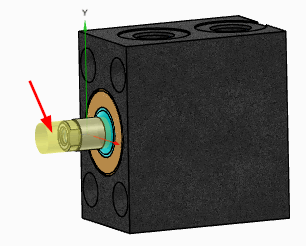
Exploded view
 (only for assemblies)
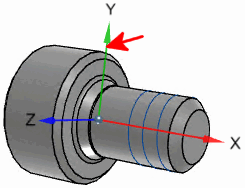
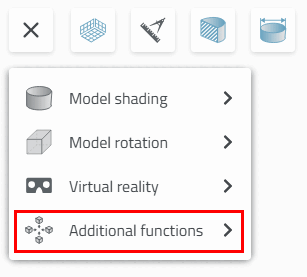
Show Origin Axles [Show Origin Axes]
 :
:
Toggle projection mode [Switch projection mode]
 : Perspective
  on /
on /  off
off
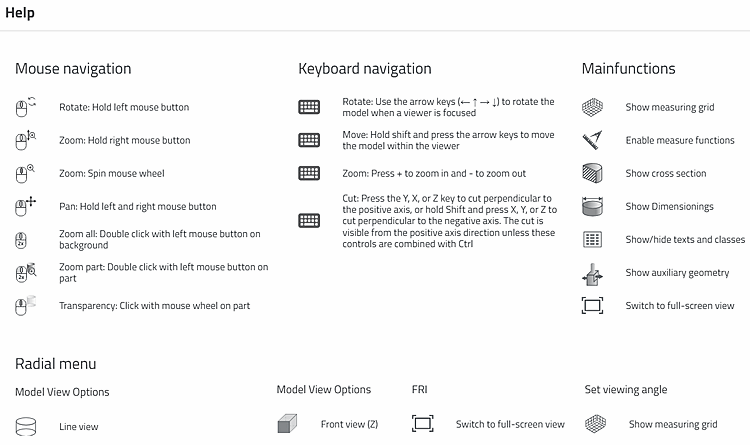
Help
 : Here you will find brief explanations of
Mouse controls, keyboard shortcuts, and main and
Auxiliary functions.
: Here you will find brief explanations of
Mouse controls, keyboard shortcuts, and main and
Auxiliary functions.
![Snap all [Zoom all]: Assembly with selected individual part with dimensions](https://webapi.partcommunity.com/service/help/latest/pages/en/3dfindit/doc/resources/img/img_c11c65acdb22413eb6d13606ecc81c0f.png)
![Zoom to object [Zoom in on object]: Assembly with selected individual part with dimensions](https://webapi.partcommunity.com/service/help/latest/pages/en/3dfindit/doc/resources/img/img_d0dd9f42dcbf48d296418d859ef74fc3.png)
![Catch all [Zoom all]: Selected individual part with dimensions](https://webapi.partcommunity.com/service/help/latest/pages/en/3dfindit/doc/resources/img/img_77d86974bfa14fca904e1a73dee791e8.png)
![Zoom to object [Zoom in on object]: Selected individual part with dimensions](https://webapi.partcommunity.com/service/help/latest/pages/en/3dfindit/doc/resources/img/img_d35cb51d1a2c4f97bd6356226907aaef.png)
![Section [Cut] with measuring grid [Measuring grid]](https://webapi.partcommunity.com/service/help/latest/pages/en/3dfindit/doc/resources/img/img_ba61a5a7361e4483ad7f65b58c72cc26.png)

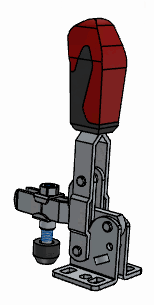
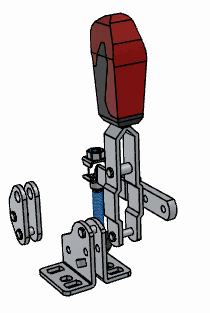

![[Tip]](https://webapi.partcommunity.com/service/help/latest/pages/en/3dfindit/doc/images/tip.png)