

In the PARTdesigner instead of fixed dimension values, variables are set up for which specific values are stored in tables. This method has the advantage that a separate drawing does not have to be created for each component characteristic.
In the Variable manager [Variable Manager] docking window, you can create new variables or change the details of existing variables.
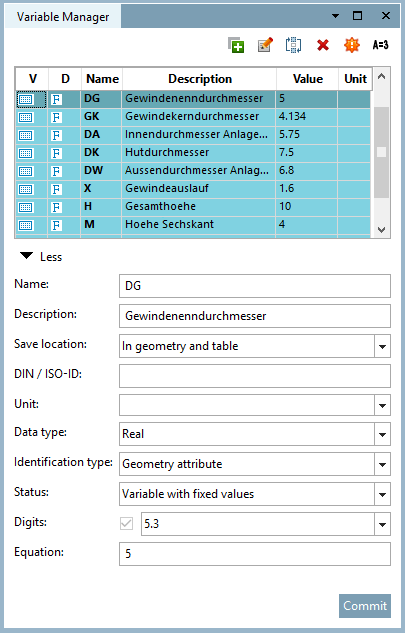
The Variables Manager [Variable Manager] button button or the corresponding menu item opens the Variable Manager [Variable Manager] docking window or brings it to the foreground.
Detailed information on the variable manager [Variable Manager] can be found at Section 7.8, “ Docking window " Variable manager" ”.