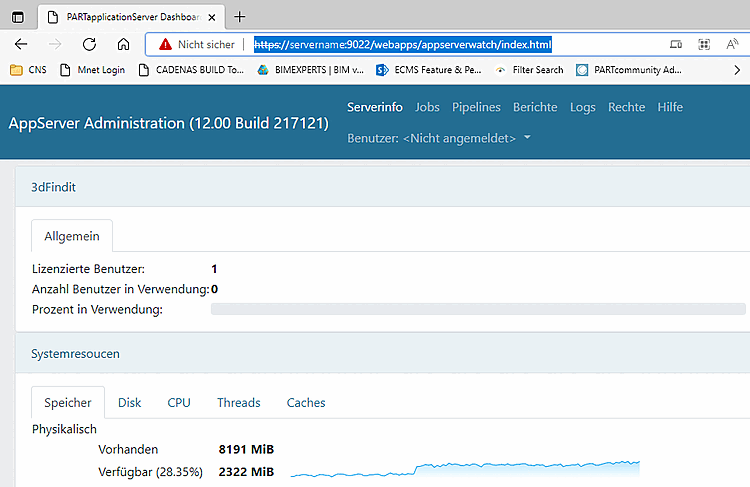
Many administrative checks can be easily performed via the dashboard .
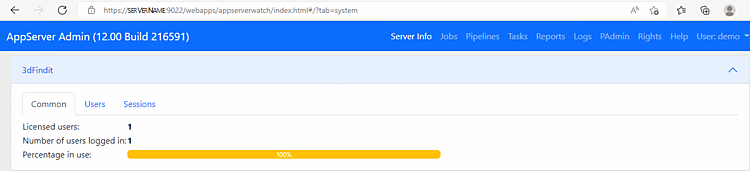
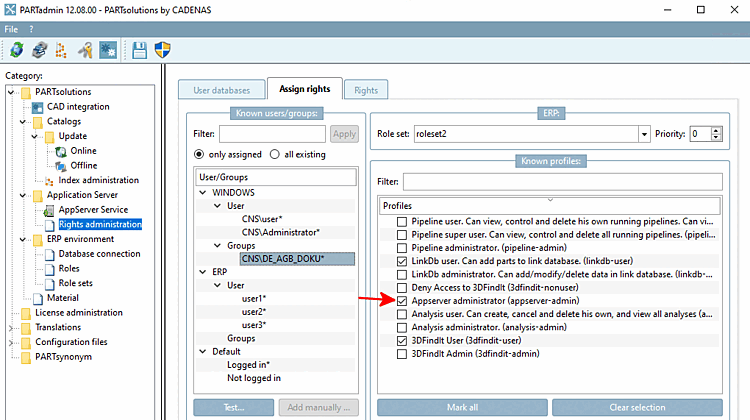
To manage users, sessions, and licenses, , open AppServer Admin
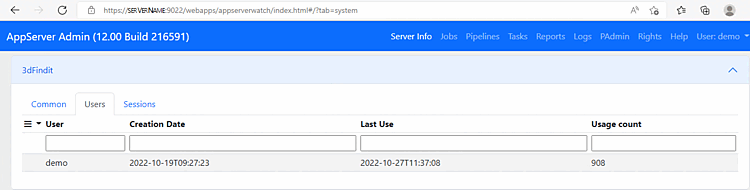
https://servername:9022/webapps/appserverwatch/index.html.On the " Users " tab, you can see how many and which users are authorized and currently working.
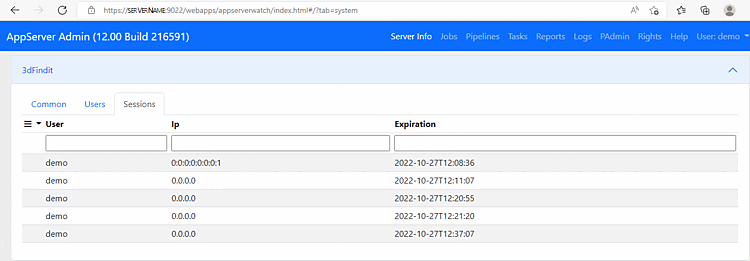
On the Sessions tab, you can see the active sessions.
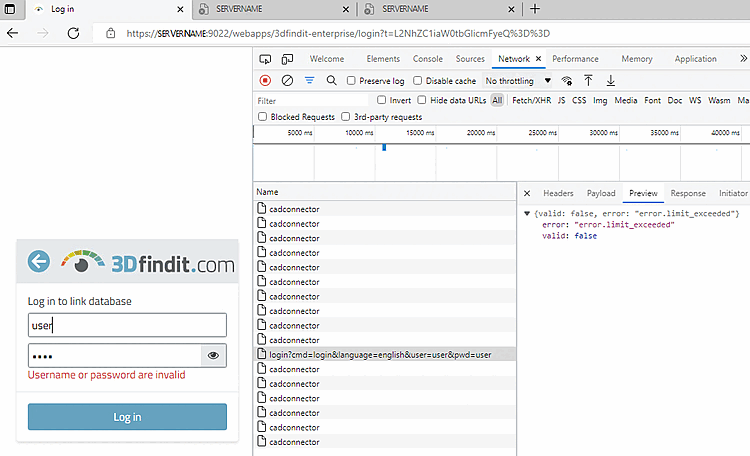
Find out whether the user has entered incorrect login credentials, is not authorized, or has exceeded the user limit .
Press F12 to open the Developer Tools and navigate to "Network" and "Preview."
If you are using SolidWorks CAD integration, you will need WebView2runtime (Evergreen Bootstrapper). You can download it from the following official Microsoft website:
https://developer.microsoft.com/en-us/microsoft-edge/webview2
If the browser displays a connection as "Not secure," check the certificates. See Section 5.24.3.4, “SSL encryption ”.