7.9.3.6.2.
Insert rectangle over center point
 Insert rectangle over center point
![[Note]](https://webapi.partcommunity.com/service/help/latest/pages/en/ecatalogsolutions/doc/images/note.png) | Note |
|---|
This feature is only officially available for future versions and is only an internal test version with V12.13 and is therefore hidden in the standard version. |
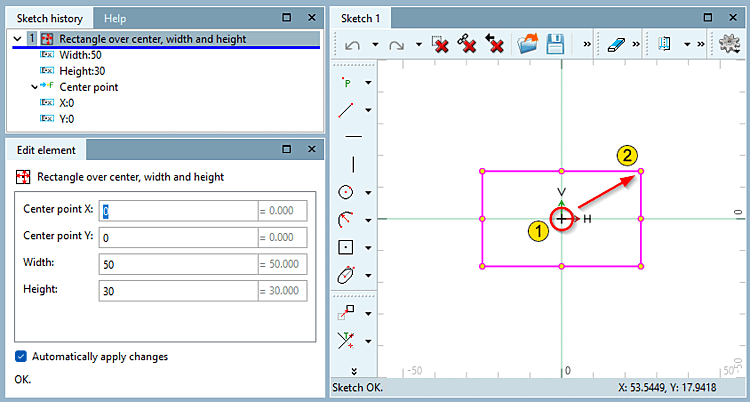
Click on the center point and drag the rectangle with the mouse.
Fix the end point with a mouse click.
Determine the exact position (center point X and center point Y ) and the dimensions (width [Width] and height [Height] ) in the Edit element docking window.