A classification can be designed for different class types [Types of classes] (e.g. parts or for connection points [Connection points] ).
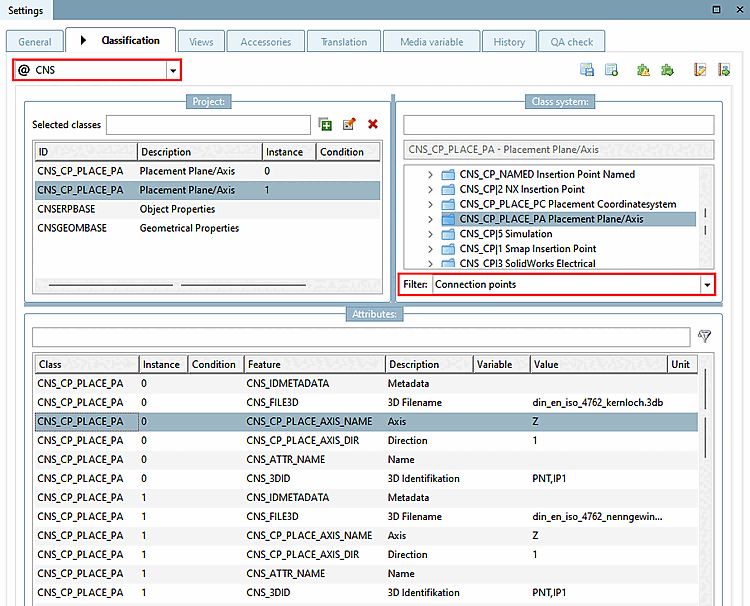
If there are several options, select the desired option in the list field under Filter before assigning:
![Tabbed page "Classification [Classification]" > "Filter [Filter]"](https://webapi.partcommunity.com/service/help/latest/pages/en/ecatalogsolutions/doc/resources/img/img_c1b049e5898646489193a1f95f93a78d.png)
For most classifications, only the Classes option is available.
There are various selection options for the CNS classification. The Append points [Connection points] option is used particularly often.