

If
administratively preferred rows have been defined[33], when you click on preferred rows on [Peferred rows on]
 , only lines that correspond to the set
condition. In most cases, preferred series are determined by the presence of
ERP number.
, only lines that correspond to the set
condition. In most cases, preferred series are determined by the presence of
ERP number.
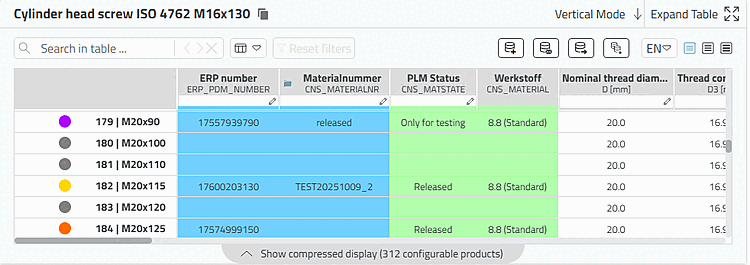
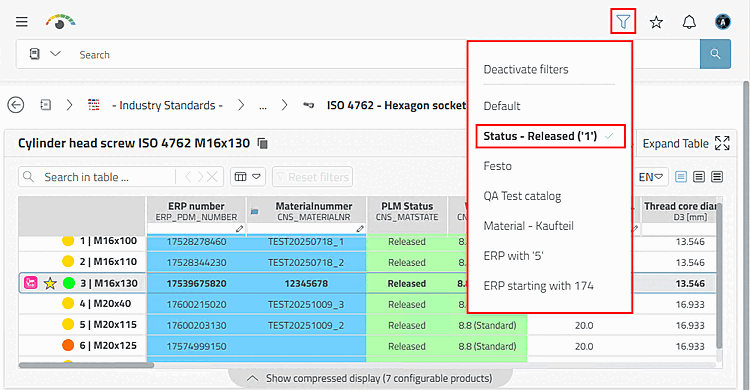
If there are several preferred row filters, a selection dialog appears when you click on the icon. In the following example, all rows with gray and purple icons are hidden when the preferred row filter is activated because they do not have an ERR number.
[33] See Section 5.7.5.1, “ Roles: General " tab page ” in ENTERPRISE 3Dfindit (Professional) - Administration.