5.8.2.2. Context menu of the project level
5.8.2.2.8. Correct incorrect project assembly paths manually
|  |
| Prev | Next |
If projects in an assembly have been renamed or moved, the assembly can no longer be created.
In this case, the assembly must be "informed" of the new project name or the new storage location.
The following describes the problem and how it can be solved:
Open the Assemby configuration file with PARTdesigner.
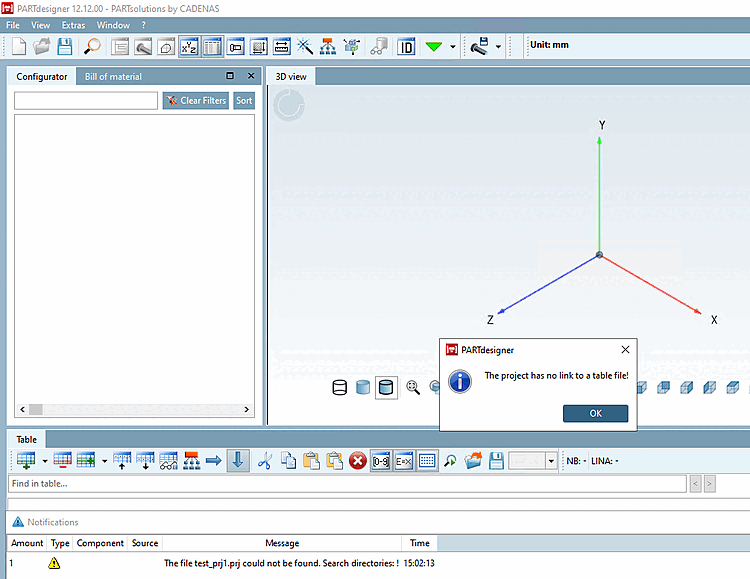
-> The module is opened empty.
-> The error message The project has no link to a table file! appears and under Notifications it is displayed that the project file "xy" was not found.
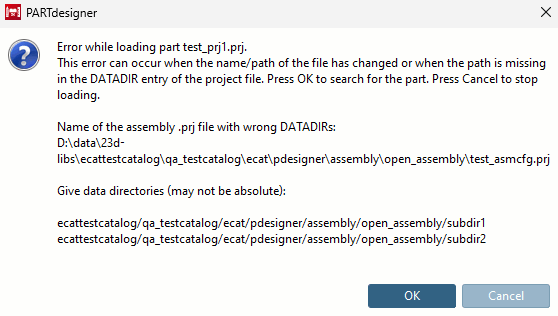
-> An error message appears again, indicating that the project file "xy" was not found and the possible reasons for this.
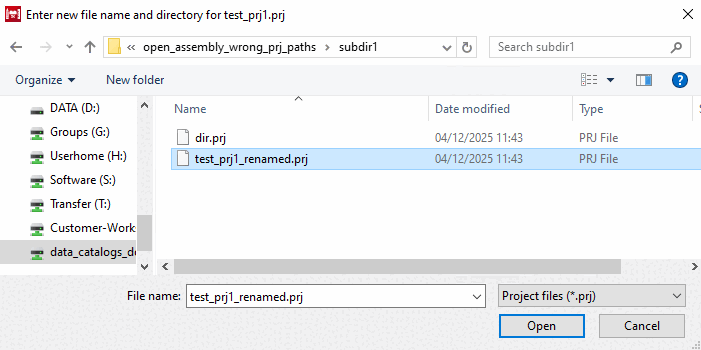
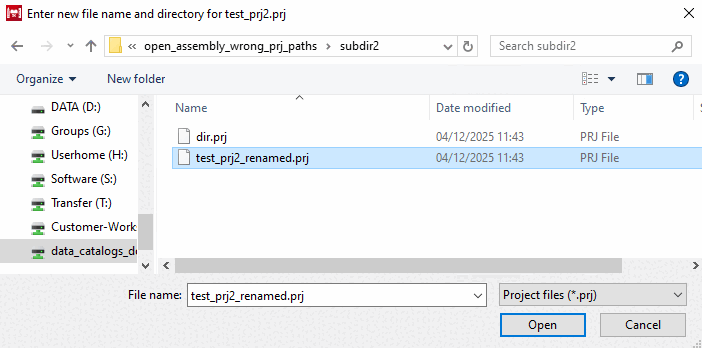
-> An Explorer window appears where you can specify the path to the desired project file in the file structure.
Browse to the desired project file and confirm with .
-> The two error messages mentioned above appear again. They refer to the next missing project file.
-> The Explorer window appears again, where you can specify the path to the desired project file in the file structure.
Again, browse to the desired project file and confirm with .
![[Caution]](https://webapi.partcommunity.com/service/help/latest/pages/en/ecatalogsolutions/doc/images/caution.png) | Caution |
|---|---|
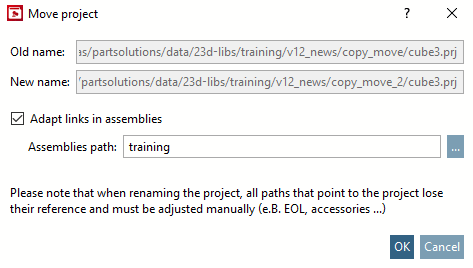
To avoid manual corrections, please activate the option Adjust references in assemblies [Adapt links in assemblies] in the dialog box when executing the commands Rename project and Move project and enter the correct assembly path in the input field.
| |