

With the function Fillet to 2 elements [Radius with 2 elements]
 function, you can create a fillet between two elements. However, if you want to round several corners of a polygon at once, you will be faster with the new Add radii function.
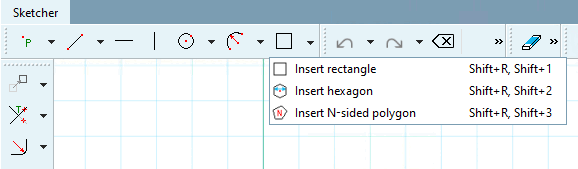
Prerequisite: Rectangle, hexagon and N-shape (not for polygons made up of manually assembled lines)
Select the object to be rounded in the sketch history [Sketch history].
Enter the desired radius [Radius] and confirm with . You can enter a freely defined value or a table variable.
-> The fillets are inserted in the Sketcher.
-> The individual rounding elements are also created in the sketch history [Sketch history]. They correspond to those created with the function Fillet to 2 elements [Radius with 2 elements]
function.You can now also make changes to individual fillets (or several). Select the desired ones in the sketch history [Sketch history] or in the Sketcher.


