

![[Note]](https://webapi.partcommunity.com/service/help/latest/pages/en/installation_ecatalogsolutions/doc/images/note.png)

Click in PARTdesigner in the context menu of a tarp, click on the command New gradient curve.... [Create guide curve...]
Draw the gradient curve and do not forget to set the pattern origin [Pattern origin].
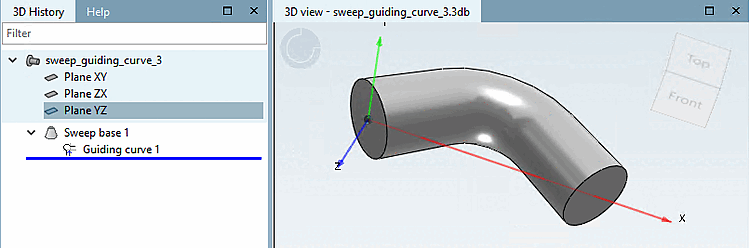
-> In the 3D history [3D History]
 Guiding curve is displayed.
In the context menu of
Guiding curve, click on the Create basic curve [Create sweep base] command.Create the cross-section sketch.
A green tick now appears under Start sketch and you will see a 3D preview. Close the dialog by clicking .
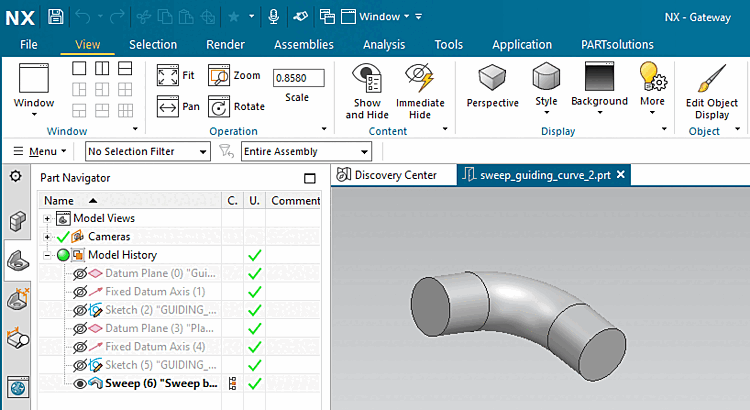
-> The created guiding curve is displayed in the 3D preview.


For more details, see Section 7.6.2.9.2, “Create sweeps with gradient curve ” in eCATALOG 3Dfindit.