
 |
On the tabbed page Links, alternative parts or parts/assemblies related in any way to the selected part are automatically listed - if available.
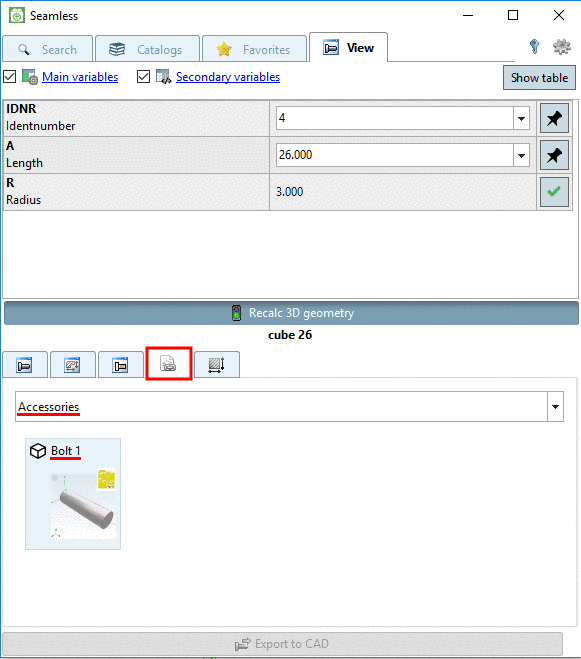
When selecting the option Accessories, in the list field, accessory parts classified as such on customer side, are displayed.
| ||||
[a] Details on respective project creation can be found under Section 5.9.11, “ Tabbed page Links ” in eCATALOGsolutions Manual. | ||||
![[Note]](https://webapi.partcommunity.com/service/help/latest/pages/en/installation_ecatalogsolutions/doc/images/note.png)

In following example, depending on selection of a characteristic, different accessory parts are displayed.

The following exemplary figure on the left shows a filtered accessory part. That means, only certain characteristics of the accessory part correspond to the basic part. Here, only parts with IDNR 1 and 2 are displayed. If the filter becomes deactivated by clicking on the icon, all characteristics are displayed (here, parts with IDNR 1, 2, 7 and 8).

