
 |
Using the function
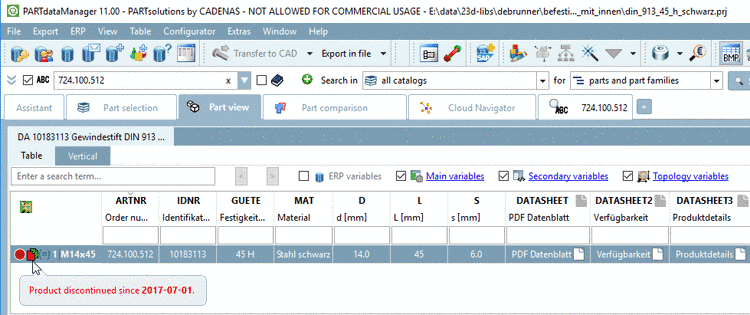
Set EndOfLife per line you can mark individual
characteristics (rows, articles) of a project as "expired"
 .
.
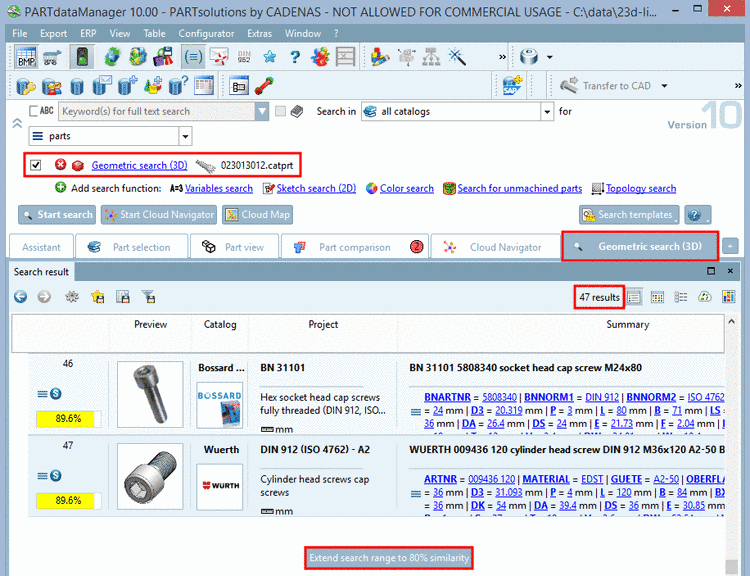
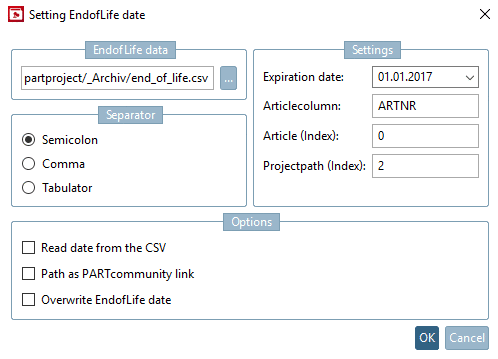
Respective data are imported from a provided CSV file, which at least contains the article number and optionally in addition the respective corresponding date of expiration for example.
ARTNR
724.100.512
776.250.140
776.250.190
...
Details on this can be found under Section 5.8.2.1.15.25, “ Set EndOfLife per line ” in eCATALOGsolutions Manual.