1.1.5.
Dimension search (with "Article Assignment Wizard" for standard parts) 1.1.5.3. CSV
Import (Dimension Search) |  |
| Prev | Next |
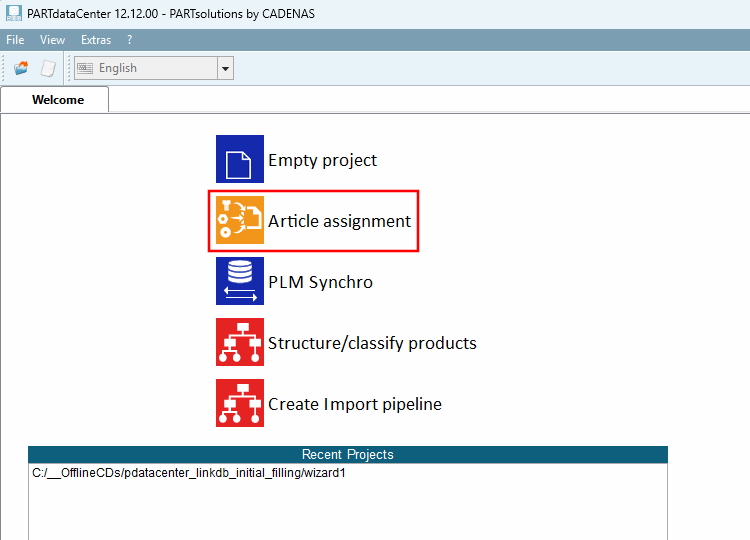
Create a new project in the PARTdataCenter start interface ("Welcome" tab) by clicking on the Article assignment item.
(Alternatively, you can also do this via File menu > Create new project ).
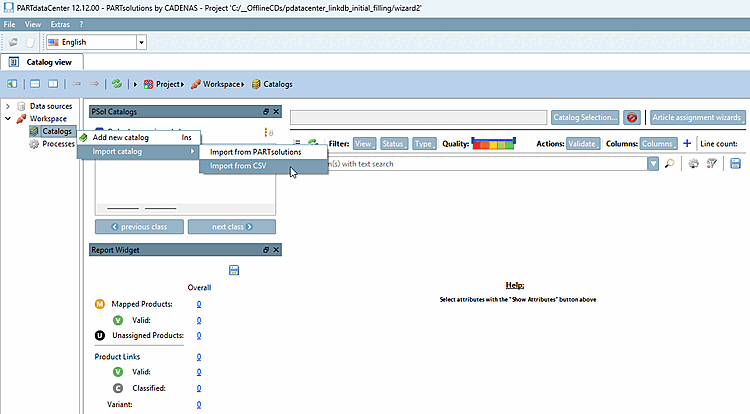
Under Workspace > Catalogs, select the context menu command Import catalog > Import from CSV:
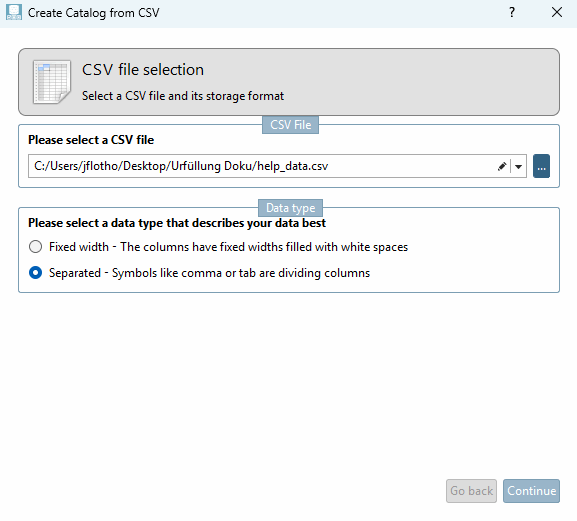
-> The Create Catalog from CSV dialog box opens.
Import the sample file "help_data.csv" and go through the individual steps.
As an identifier, select a column that actually contains a unique value. In this example, this is ID.
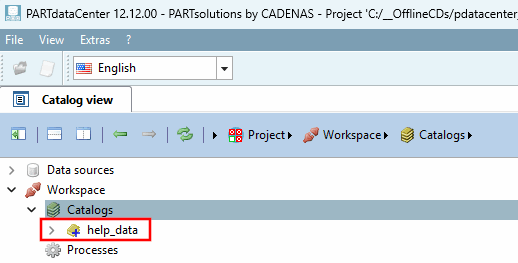
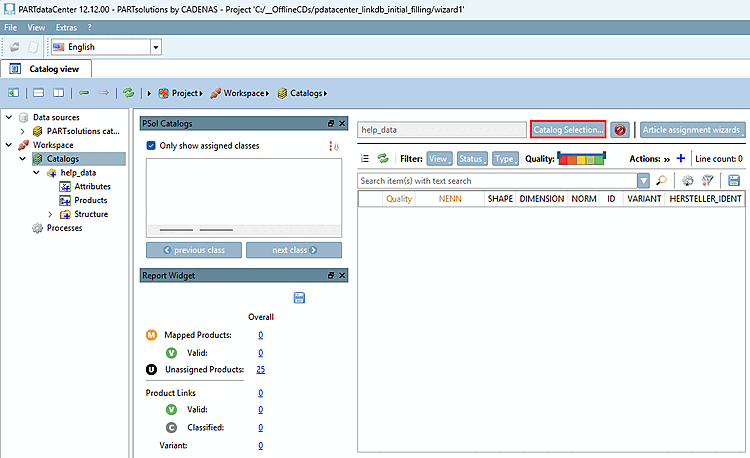
Finally, the "help_data" item is displayed under Catalogs.
Details on importing can be found at Section 1.1.3, “Create catalog from CSV file”.
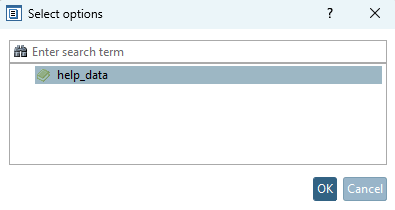
-> The Select options dialog box opens.
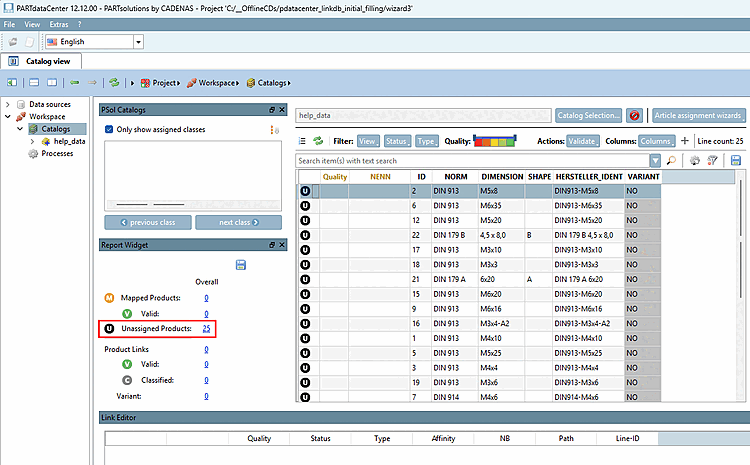
Under Unassigned Products, click on the number (here 25).
-> The CSV data is now displayed.