1.6.1.
Insert from the standard and purchased parts library via "PARTdataManager" 1.6.1.5.
Insert model - Pattern recognition
|  |
| Prev | Next |
If there are patterns in the placement section, they are recognized and a corresponding dialog box appears.
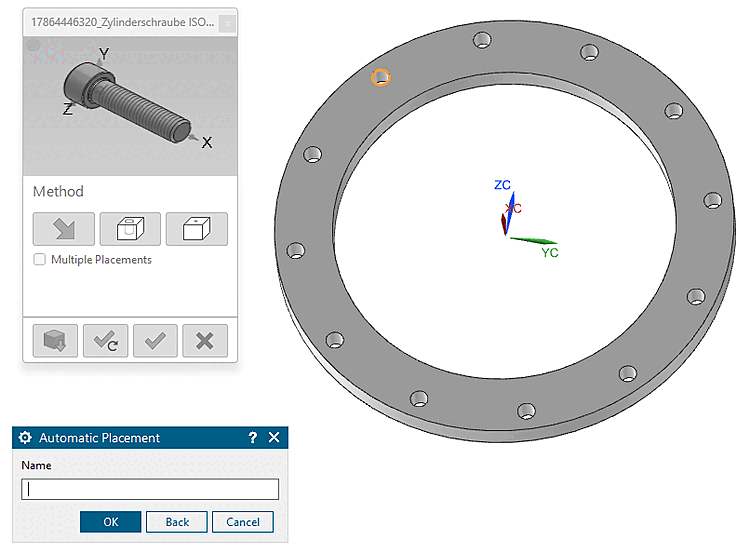
Initial situation: After you have placed the placement part
to the CAD system using Transfer Transfer to CAD [Transfer to CAD], the view switches back to CAD
and the placement dialog opens.
Transfer to CAD [Transfer to CAD], the view switches back to CAD
and the placement dialog opens.
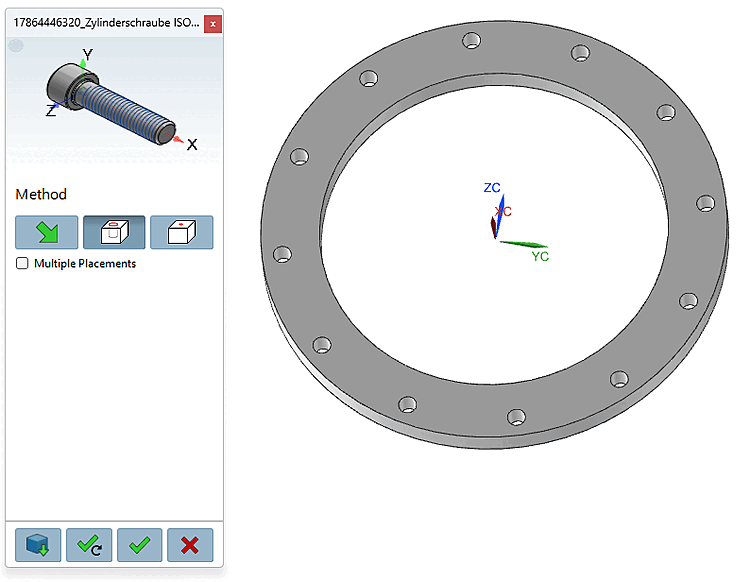
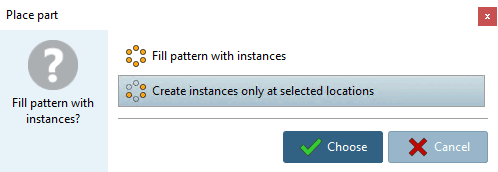
-> The " Place Component [Place part] " dialog box [Place part] appears with the prompt "Do you want to fill the pattern with instances?"
Click the Place Multiple [Place multiple] button
 (dialog remains open at the end) or Place Once [Place once] button
 .
.
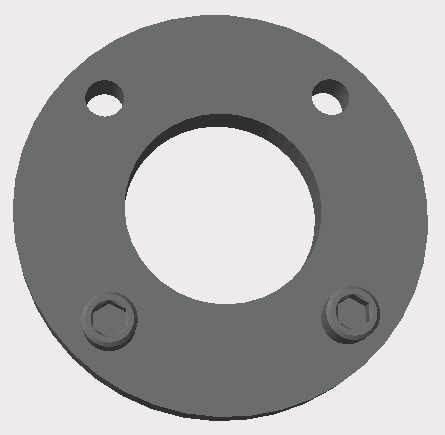
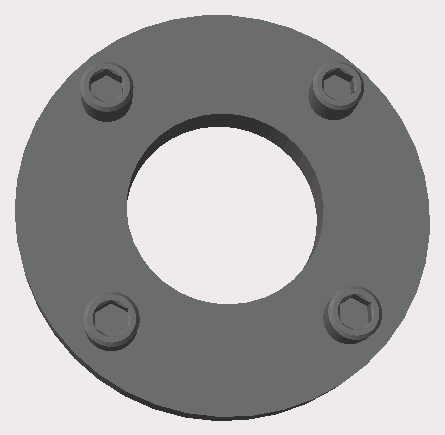
-> The desired instances are placed.
If necessary, close the 3Dfindit Close the placement dialog using the dialog [Close dialog]
 .
.