

![[Note]](https://webapi.partcommunity.com/service/help/latest/pages/en/ecatalogsolutions/doc/images/note.png)
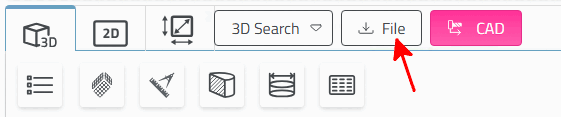
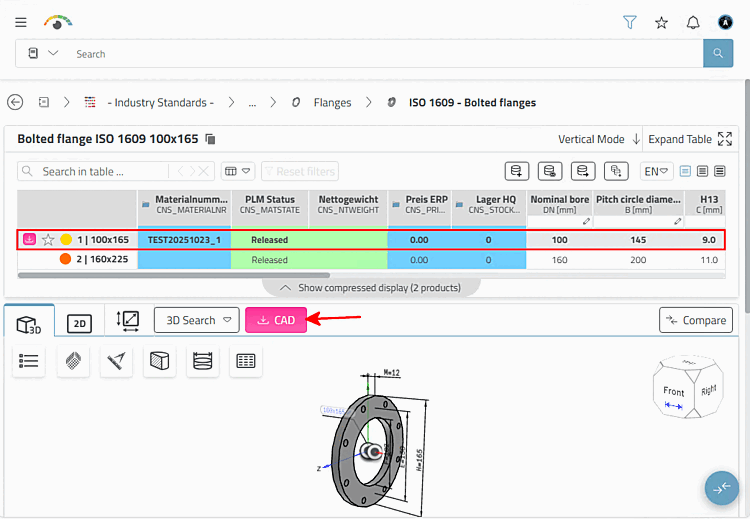
Note If the functions "Download 2D/3D CAD formats" and "Transfer part to CAD system" are both offered, the former function is provided by the button.
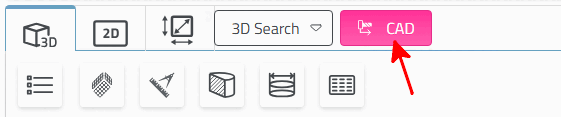
If "Transfer part to CAD system" is not available, the button is labeled "CAD".
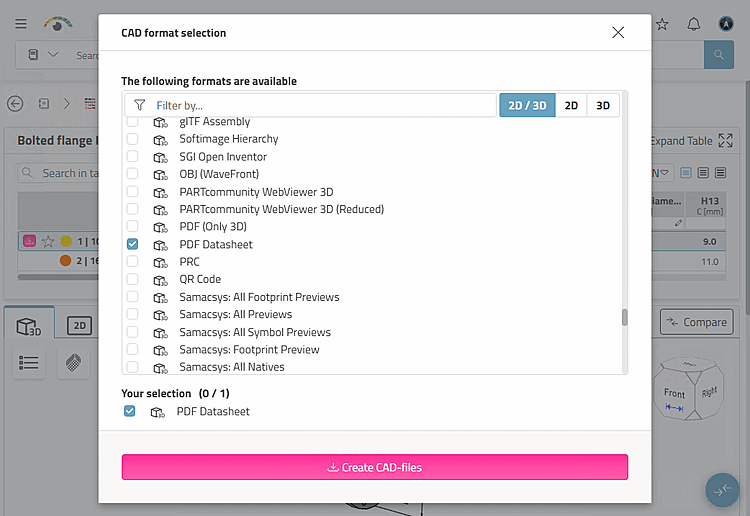
-> The CAD format selection dialog box opens.
Select the desired format from the list.
(The selection corresponds to the administrative preselection. Only one selection is possible (plus optional PDF datasheet).[36]
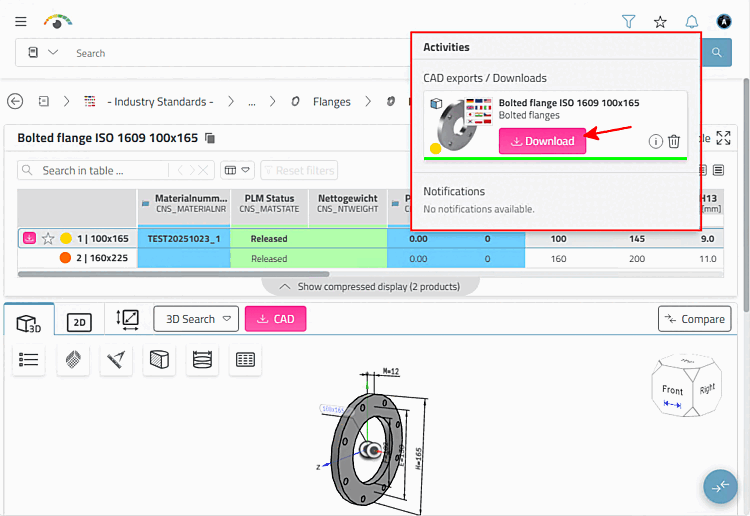
-> The Activities dialog box opens and the generated part is offered for download.
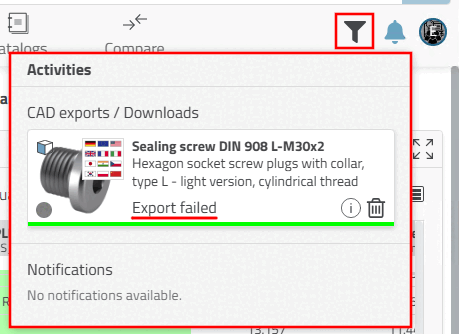
If the configuration settings are incorrect, Export failed appears.
In the Activities dialog box, click on the
 .
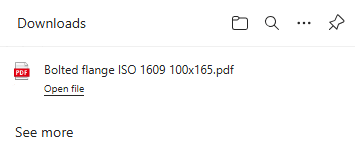
.-> The downloaded part is displayed in an Explorer window. Click Open file to jump to the download directory.
[36] You can find details on administrative presettings under Section 5.23.5, “Set CAD format download (pappserver.cfg) ” in ENTERPRISE 3Dfindit (Professional) - Administration.