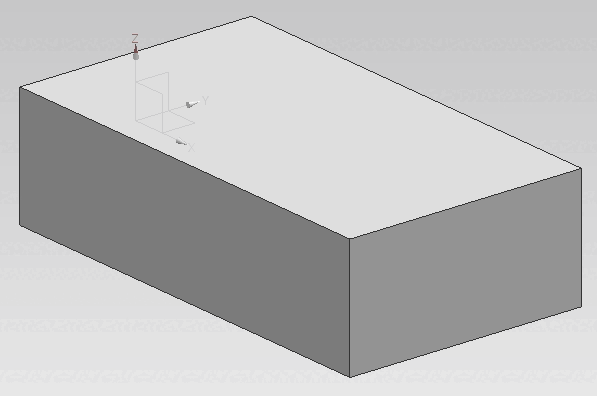
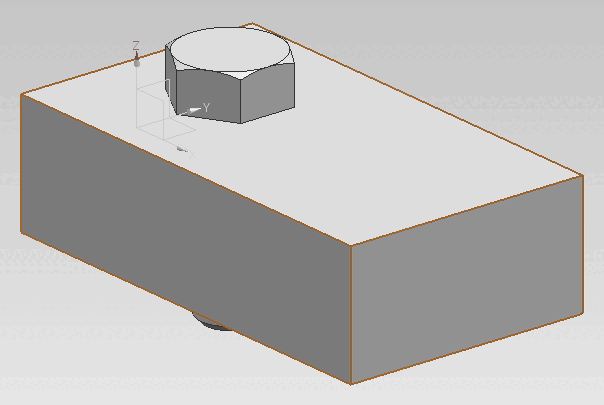
1.6.1.
Insert from the standard and purchased parts library via "PARTdataManager" 1.6.1.3.
"On surface "
|  |
| Prev | Next |
![[Note]](https://webapi.partcommunity.com/service/help/latest/pages/en/partwarehouse/doc/images/note.png)
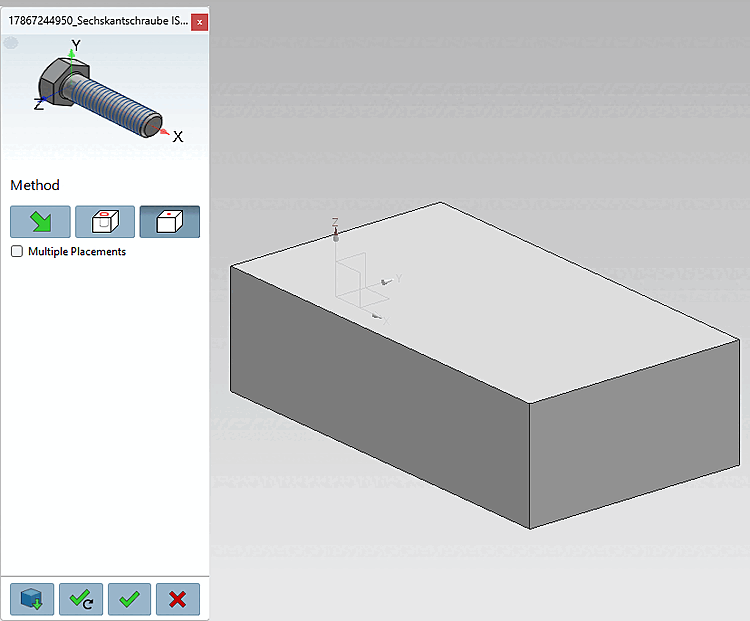
Click on the To area [On surface] button
 .
.Select a point on an area [Select point on surface].
Click on Place once
 or Place multiple times [Place multiple]
 .
.Optionally make further placements or close placement dialog

Open: The part is opened in a separate CAD window.
Place multiple times [Place multiple] (and leave dialog open)
Place once (and close dialog) 
Close dialog (without placement)