|
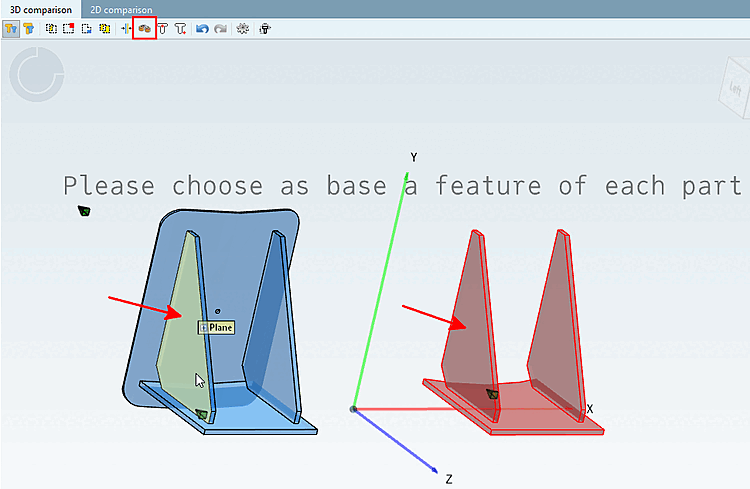
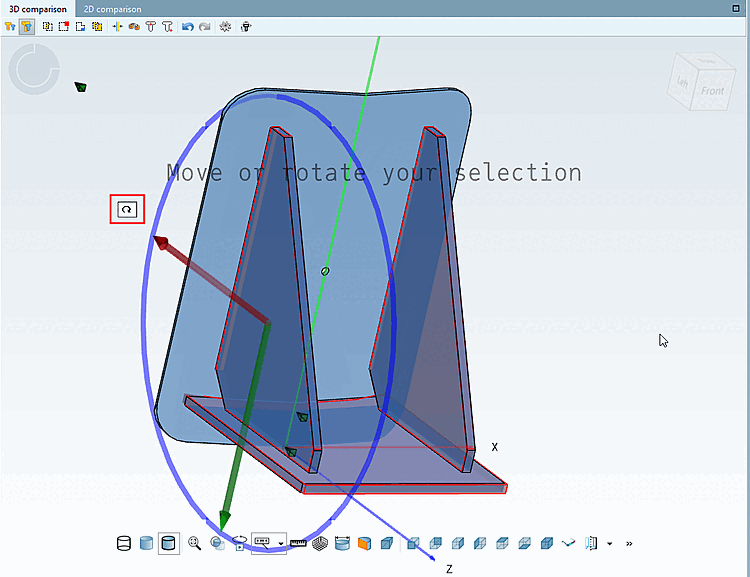
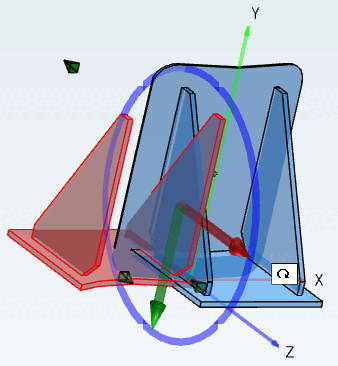
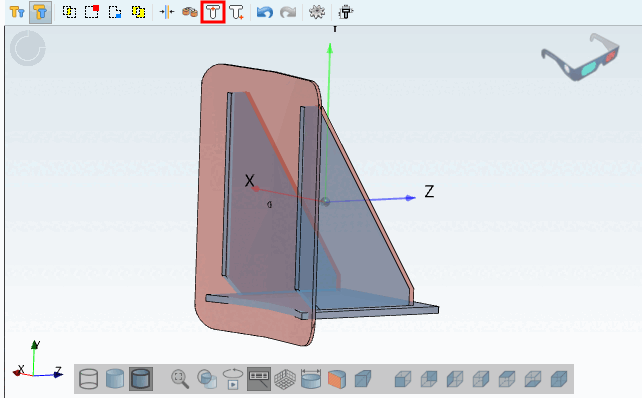
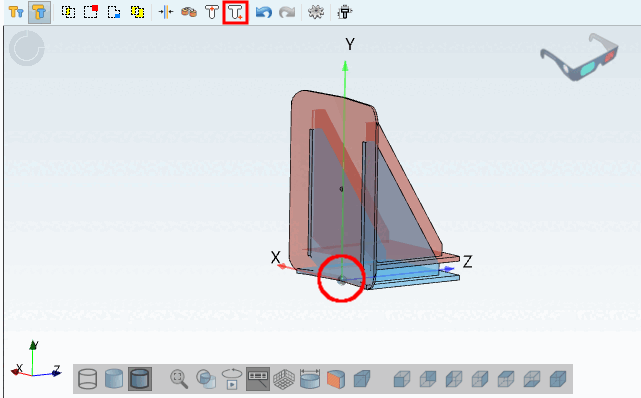
Align rotation and position manually [Align parts position and rotation manually]: As soon as you have clicked on the button, the corresponding information text appears: Please select a feature as the basis. [Please choose as base a feature of each part]
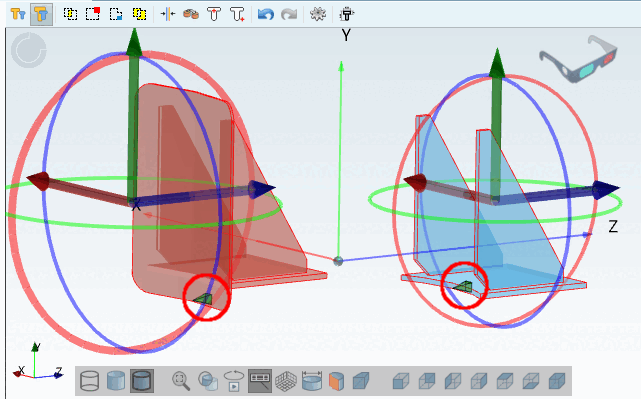
Once the second feature is clicked,
positioning is automatically performed.
The remaining degrees of freedom for
rotation and translation are indicated by corresponding axes and
circles.
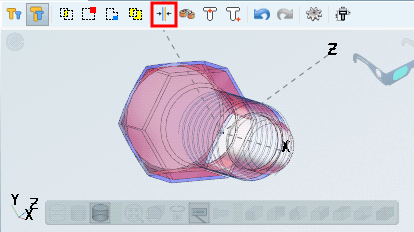
In addition, "Mirror" can also
be used.
 : Mirroring: Possibly change the
horizontal alignment of the component. : Mirroring: Possibly change the
horizontal alignment of the component.
|